Joining a Ministry
St. Francis of Assisi Catholic Church · MinistryHow to join or leave a ministry, and how to set whether it can email or text you.
You are signed in to your parish account, and you want to join, leave, or change how a ministry reaches you.
Each ministry sends its own messages, separate from the rest of the parish. The parish lets you choose, ministry by ministry, whether those messages come by email, by text, or not at all.
What you will do, in one sentence
Open a ministry's page, select Join or Leave, and check or uncheck the boxes that control its emails and texts to you.
Last verified against the staging system on 2026-10-12. Screens shown are the staging system (an isolated copy of production). The ministry shown is an invented training record, made and removed for this guide. Prepared 12 October 2026.
1. What a ministry's page shows you
Every ministry has its own page. Select Ministries in the sidebar, then select a ministry's card.
The top of the page always shows:
- The ministry's name and category.
- A short description, if the ministry's leaders wrote one.
- The meeting schedule and location, if the ministry set them.
- How many members the ministry has.
- A Join or Leave button.
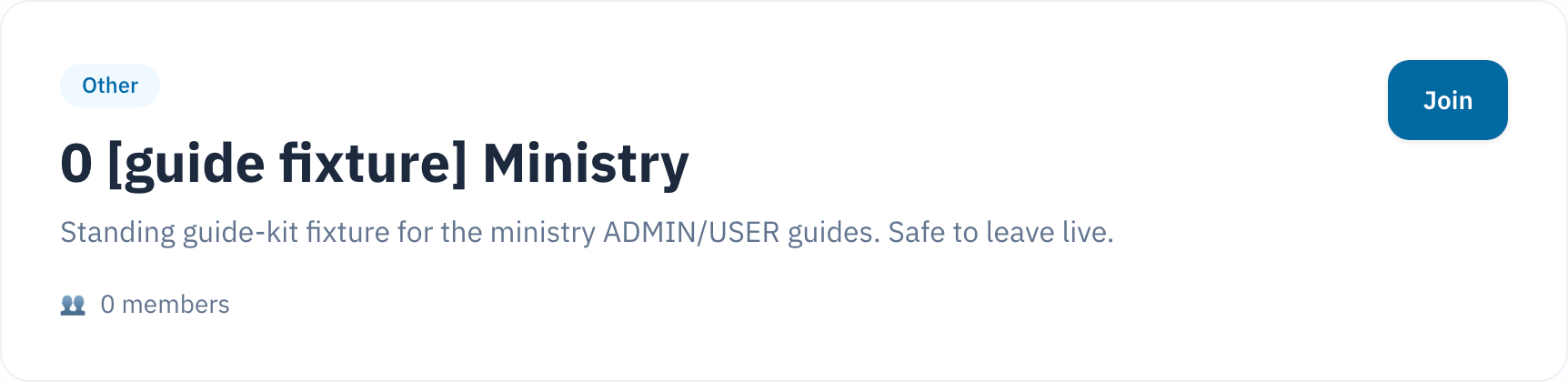
Below the top, a ministry's page can also show a welcome message and a list of leaders, if the ministry added them. It can also show a list of Upcoming Events — some approved, some still pending the parish office's review. Any signed-in parishioner sees all of this, whether or not you joined.
Communication Preferences, Announcements, and the link to Messages appear only after you join. Leave the ministry, and all three disappear from the page until you join again.
2. Joining a ministry
- Open the ministry's page.
- Select Join.
You become a member right away. No confirmation popup asks you first — a green message at the top of the page confirms it happened.
This also turns on both boxes under Communication Preferences — see section 3 below.
| If the ministry is... | You'll see |
|---|---|
| Open, with room for more members | The green confirmation message. You're a member. |
| Not accepting new members | No Join button. A note reads "Not accepting members" instead. |
| Already full | An error message after you select Join. Nobody was added. Try again later, or ask the ministry's leader. |
3. Choosing how a ministry can contact you
Once you join, a Communication Preferences card appears on the ministry's page. It holds two boxes:
- Receive emails from this ministry
- Receive texts from this ministry
Both start checked the moment you join.
- Check or uncheck either box.
- A short message confirms the change.

There is no separate Save button here. Check or uncheck a box, and the change takes effect immediately.
The two boxes are independent. Turning off texts does not turn off email, and the other way around.
4. Leaving a ministry
- Open the ministry's page.
- Select Leave.
- Select OK in the browser popup that asks whether you want to leave.
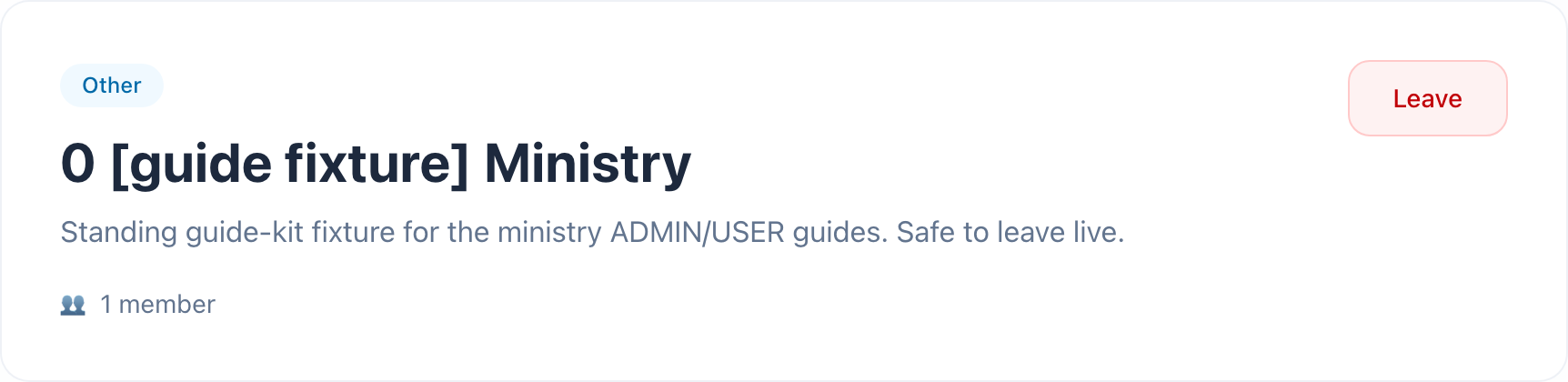
As soon as you confirm, you lose access to this ministry's Communication Preferences, Announcements, and Messages. To rejoin, open the ministry again and select Join.
If you rejoin later, both preference boxes start checked again, no matter how you left them.
5. Quick reference card
The whole thing, in five lines
- Open a ministry's page from Ministries in the sidebar.
- Select Join to become a member, or Leave to stop being one.
- Joining turns on both Communication Preferences boxes — email and text.
- Each preference box saves the moment you change it. There is no Save button.
- Leaving removes your access to that ministry's preferences, announcements, and messages until you join again.
When to stop and ask
- You joined a ministry and never received an email or text you expected.
- A ministry you know is active shows "Not accepting members."
- Join or Leave shows an error you don't understand.
Parish office — ask for the ministry's leader, or for whoever manages the Ministries page.
Thank you for giving your time to a parish ministry. Setting your preferences here means every message you get from it is one you asked for.