Viewing Your Family's VBS Registrations and Pickup Code
St. Francis of Assisi Catholic Church · Vacation Bible SchoolHow to see each VBS registration, its status, your family pickup code, and your badge.
You are a signed-in parent or guardian. You registered a child or yourself for VBS.
Staff release a child only to an adult with the family pickup code or the badge. Keep the code safe.
What you will do, in one sentence
Open My VBS Registrations, check the status, and print or show the badge.
Last verified against the staging system on 2026-10-20. Prepared 20 October 2026.
1. Open the page
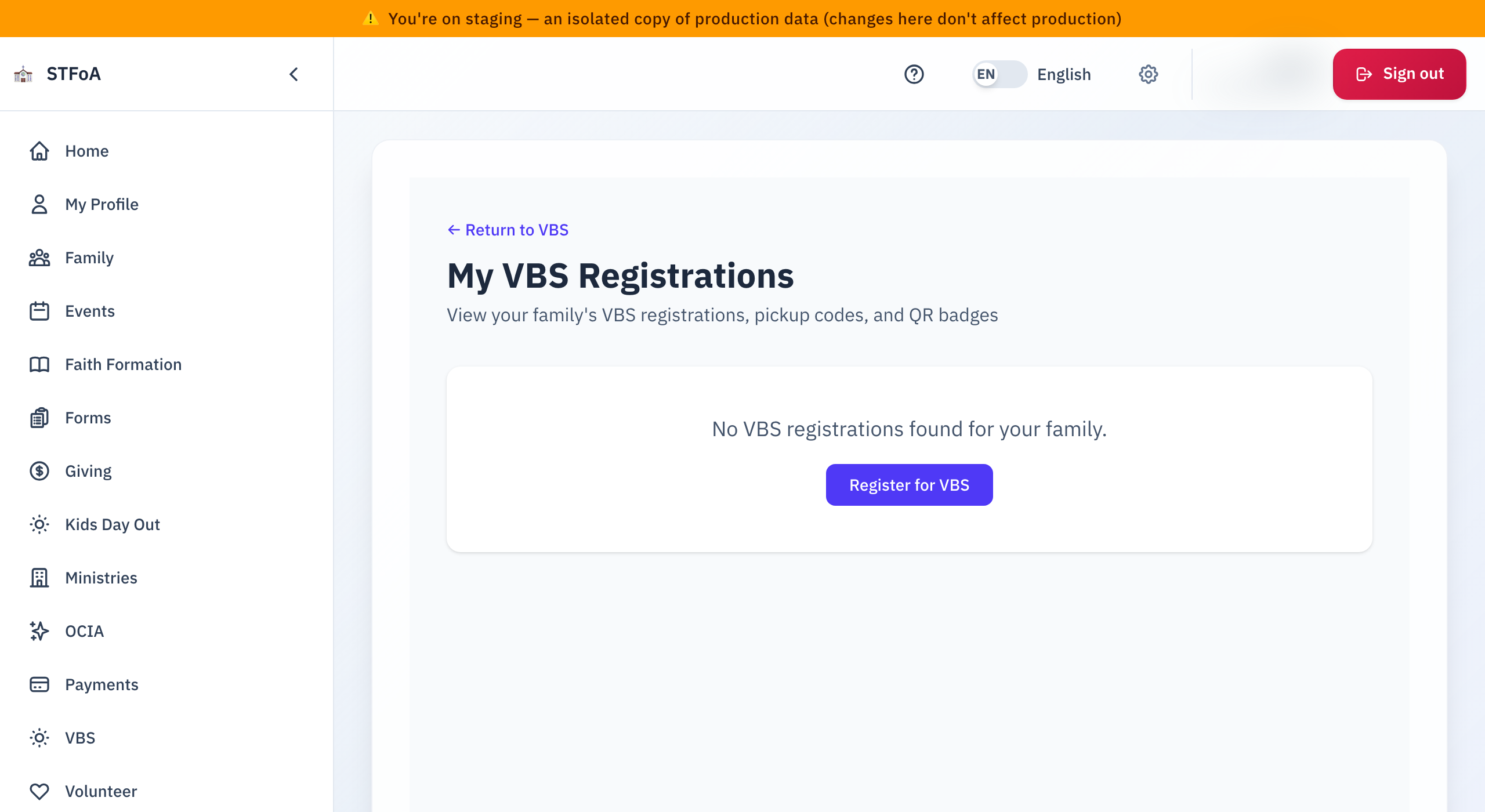
- Open the Vacation Bible School page.
- Select Your Registrations.
The page title is My VBS Registrations.
2. Read a registration
Each card shows the name, the Grade, the Group, and a status.
| Status | What it means |
|---|---|
| Registered or Paid | The registration is complete. |
| Admitted | Staff placed the child in a group. |
| Pending Payment | You still owe money. Select Pay Now. |
| Waitlisted | No spot yet. You pay nothing now. |
| Pending Review, Approved, Denied, More Info Needed | The status of a volunteer application. |
| Withdrawn, Expired, Refunded | The registration is closed. |
The Family Pickup Code shows on the page. Staff ask for it at pickup.
3. Print a badge
- Find the child.
- Select Print Badge.
- Print the page, or show the QR code on your phone.
4. See payments and orders
The page shows Payment History with the date, description, amount, and status. It also lists merchandise orders. "No payments recorded yet." means you paid nothing.
5. What can go wrong
| What you see | What to do |
|---|---|
| "No VBS registrations found for your family." | Select Register for VBS. |
| "Failed to load registrations" | Select Try Again. |
| A child is missing | The registration may belong to another family login. Ask the parish office. |
Parish office — ask about a lost pickup code or a wrong status.